1
Download a launcher
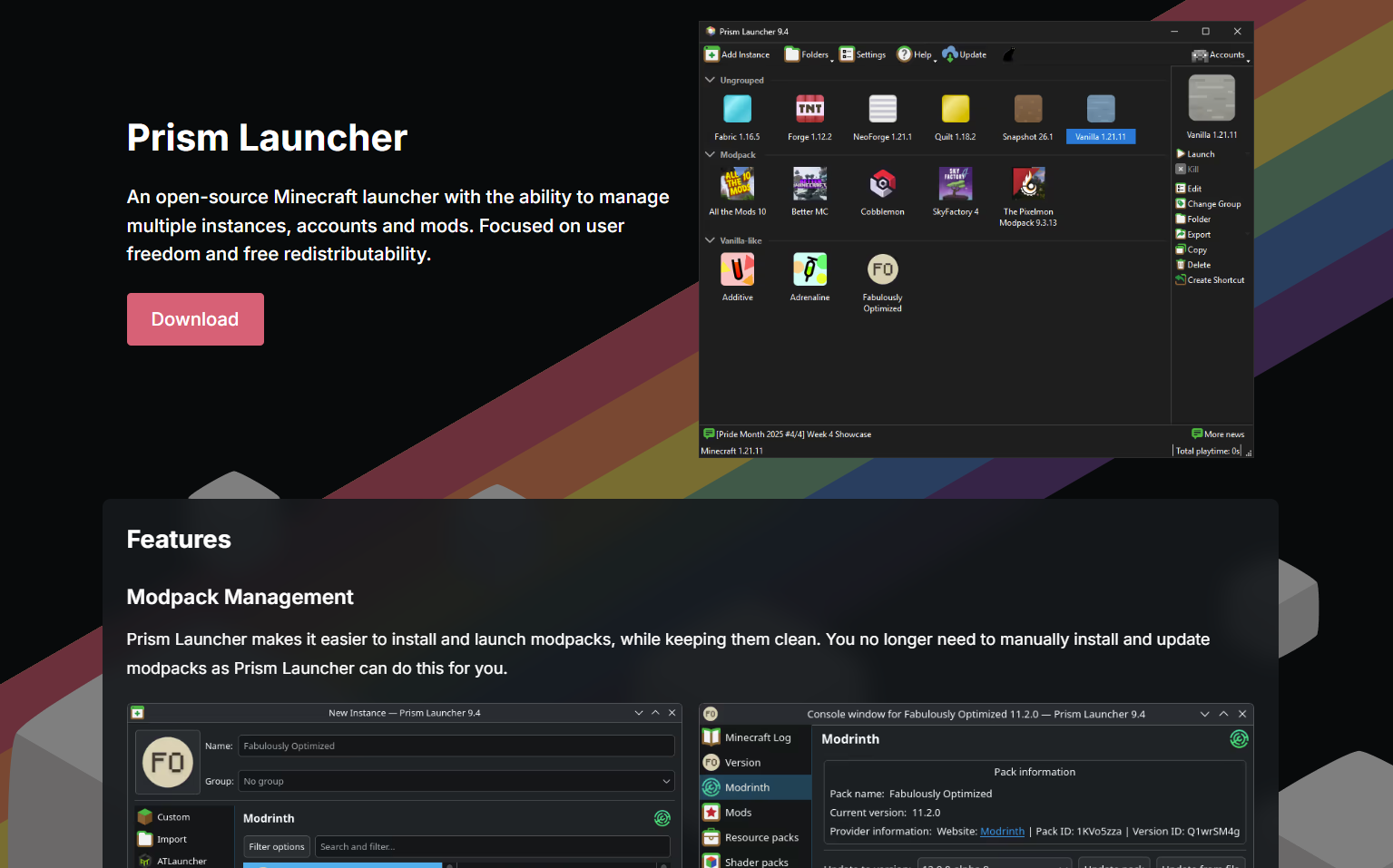
You will need a launcher to download the modpack. I personally prefer Prism, but Curseforge works too.
Modpack server status & setup instructions


You will need a launcher to download the modpack. I personally prefer Prism, but Curseforge works too.
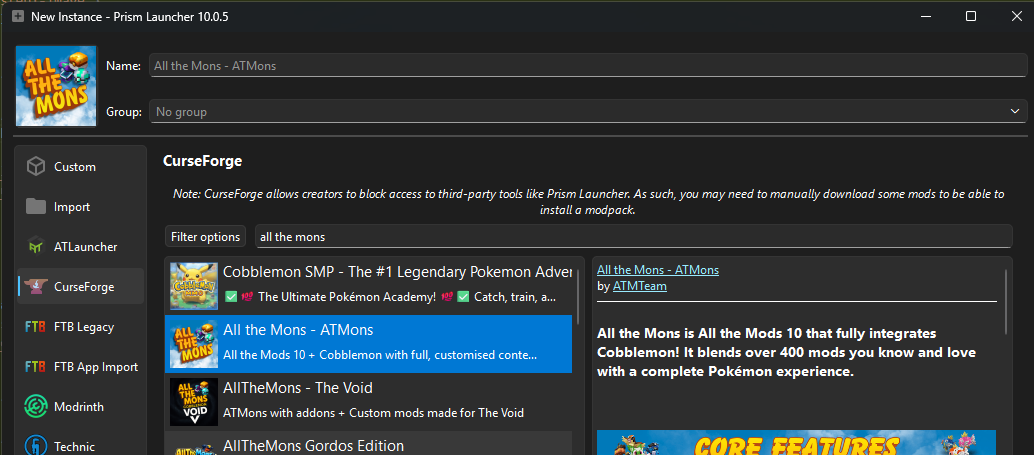
If you're using prism, click Add Instance, select the Curseforge tab,
and search for All The Mons.
If you're using Curseforge, search for All The Mons
in the minecraft modpacks section. Make sure you select the right version - check the TL;DR above for the version number.
Download
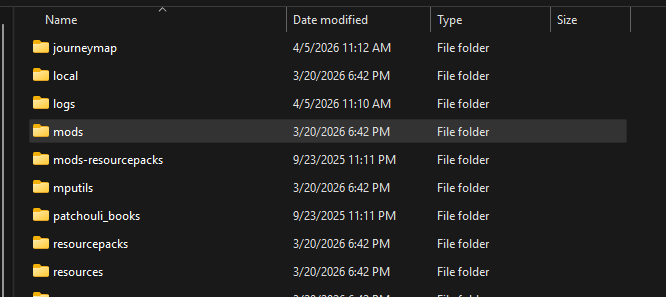
the extra mods from the TL;DR section at the top.
Drop the .jar files
into your instance's
mods
folder.
In Prism: right-click the instance -> Folder -> minecraft -> mods
In Curseforge: right-click the instance -> Folder -> mods
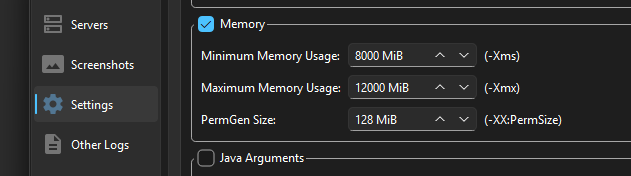
Make sure to allocate enough RAM in your launcher's instance settings. I usually recommend 8-12 GB.
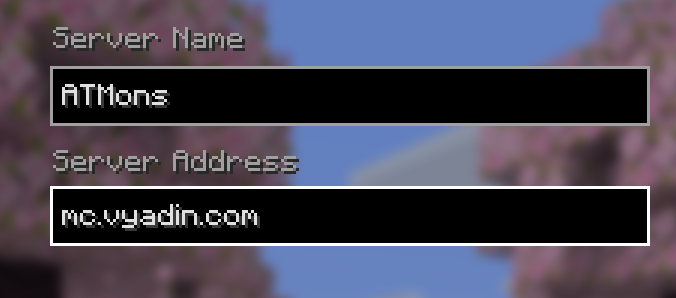
Launch the game, go to Multiplayer -> Add Server, and paste the IP below.